

2·
21 days agoEw, Texas?
Ew, Texas?

What does this say about the Welsh?

We’re so spoiled by graphical power nowadays. It’s easy to forget there was a time when a consistent 30 fps was like using 4k+ with high fps today.
Then again, I played some newer titles for the first time in a while, and the state of optimization brings some of the feelings right back.
Even with all the projection and finger pointing that nazis do, this might be the best synchronicity ever. That’s not to suggest it’s coincidental, which is the best part.
Ok dummy, but I get paid in capital /s
Greatsoftware Notwithstanding Unix
Gnugnugnufuckyou

That’s four hills, brother

The sussiest part about this is the quotations around lil bro, ngl

Exactly. We’re already bootstrapping, re-tooling, and improving the entire process of development to the best of our collective ability. Constantly. All through good, old fashioned, classical system design.
Like you said, a lot of people don’t even put that to use, and they remain very effective. Yet a tiny speck of AI tech and its marketing is convincing people we’re about to either become gods or be usurped.
It’s like we took decades of technical knowledge and abstraction from our Computing Canon and said “What if we didn’t use that anymore?”
I’m honestly doubting it will get there someday, at least with the current use of LLMs. There just isn’t true comprehension in them, no space for consideration in any novel dimension. If it takes incredible resources for companies to achieve sometimes-kinda-not-dogshit, I think we might need a new paradigm.

I’ve been eyeing Guix for a while but haven’t jumped in yet. Honestly, I feel like I’m finally getting comfortable with nixos and flakes over the years. There’s quite a bit of un/relearning to do, and I can’t tell if the flow of Guix’s channels/inferiors would match the ease of composability that I like with flakes. The lock system really does it for me and I don’t like the idea of hunting down refs to pin manually or maintaining my own frankenstein repo (other than my config).
That said, I do use emacs and actually like lisp, so I’m torn right now.
Was about to bring up the pagers cause that’s literal state sanctioned terrorism any way you look at it. It’s still surprisingly unsurprising that we’re cool with it.
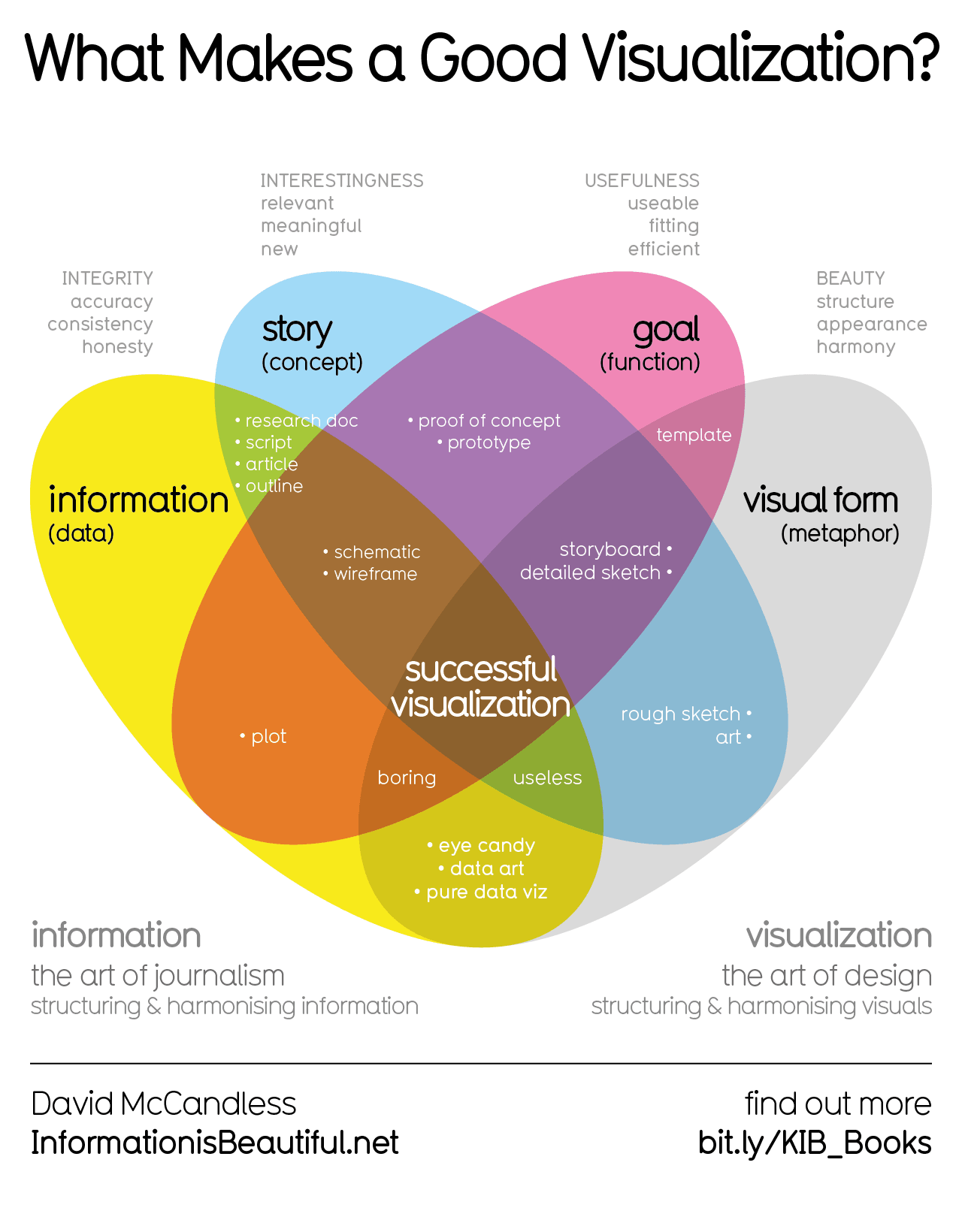
Holy shit I didn’t realize roblox was nearly worth as much as nintendo
It’s the car culture I tell ya
I think the reflex naturally makes sense, but from the people I personally know to be outspoken and definitionally feminist, it’s more like calling yourself a feminist says you explicitly side with the feminist cause. Sort of like saying you’re anti-racist rather than identifying as someone lacking racism, which is actually a farce when we’re all biased.
But I think the idea is that men should get the same lenience, i.e. just-feeling-wrecked-leave rather than menstrual-leave. The difference in having a baby should be that one needs medical leave too, in my mind.
I’d guess it’s to point out the fact that it’s developed under the guise of social liberty, but it isn’t a well defined term. Conservatives and neoliberals alike regard the views as liberal in America for some reason. In my mind the word helps distinguish it from liberal ideology by tacking on a modifier that can’t be equated to liberalism per se.
Neoliberalism fights for a semblance of democracy that favors economic, corporate freedom over personal liberties and the inherent human value we both care about.


Huffing, or…?